
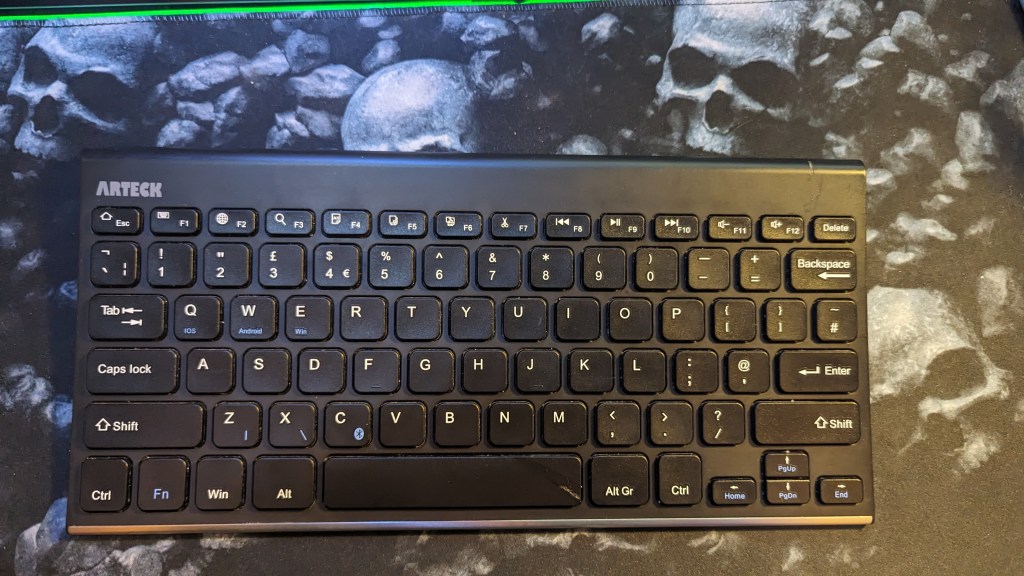
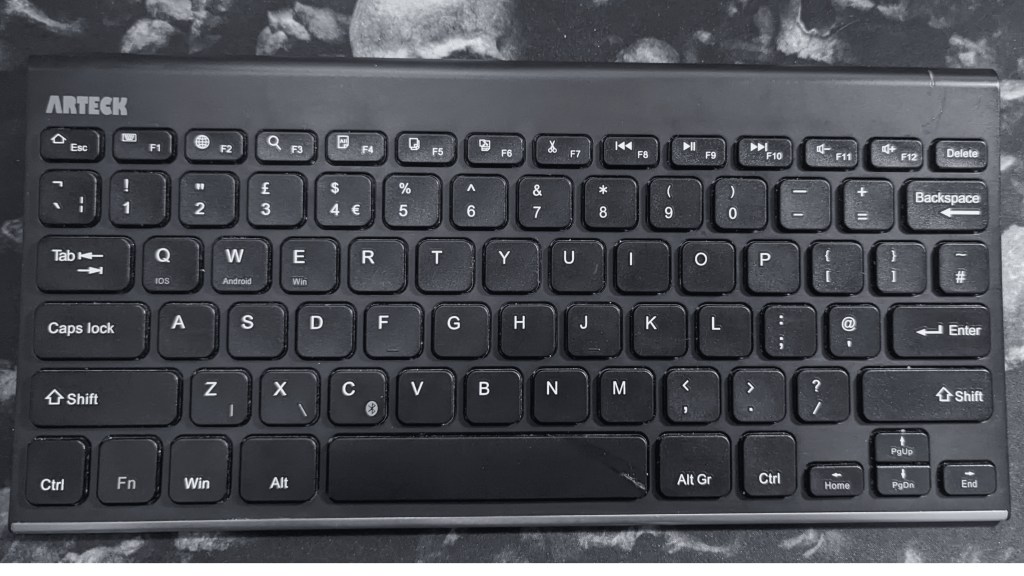
I bought this Bluetooth keyboard back when I was around university for around £35.00, and it was originally for my partner to use for her university course. Right now, it’s available on Amazon for £19.00 and it’s not too bad. The Keyboard is very light which means that you can just throw this in your bag and you won’t feel it weighing you down, and that is a good thing as you don’t want to be carrying around something that will cause you issues. This keyboard has lasted with me for quite a while as I’ve moved from university to the 2 houses I have lived in, and most of the time this has been in a drawer with a charged battery, but the fact that the battery still holds a charge is amazing.
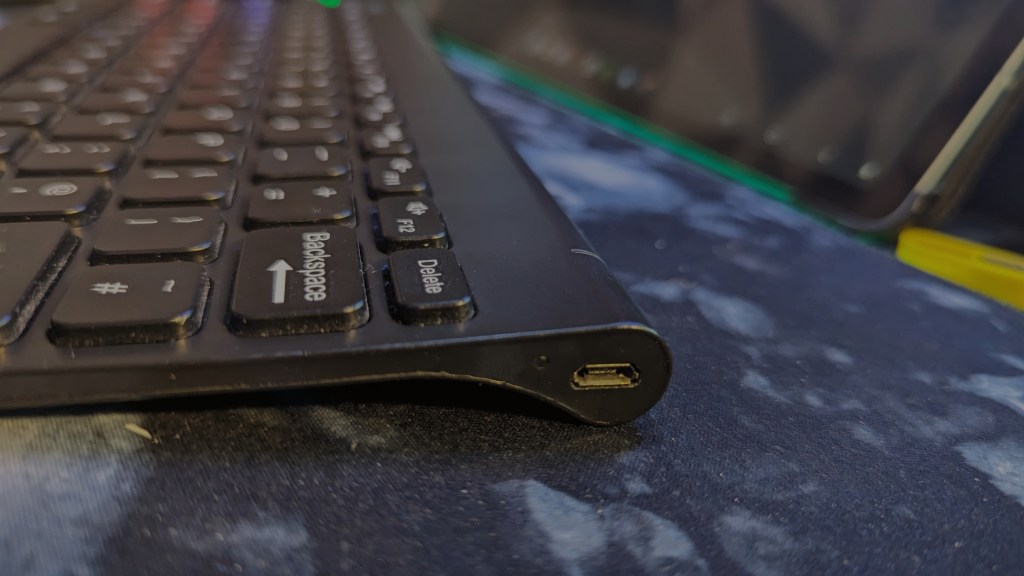
I currently use this as a secondary keyboard for when my main one is in use with my work laptop. It doesn’t take up much space which is a good thing when you have 2 sets of keyboard and mice to fit onto the large desk mat. It has a rechargeable battery built into the design that can last 6 months with light use or up to 3 days of heavy use (well, I do now, seeing it’s about 10 years old). The design hasn’t been at all since I bought mine, and it still uses a micro USB cable to charge the battery.

The top row of the keyboard has shortcuts that you will find useful daily, You have the media controls that you would expect on your keyboard, copy, paste and cut, there are some controls that I have never even used yet. So you can give them a miss like I do.
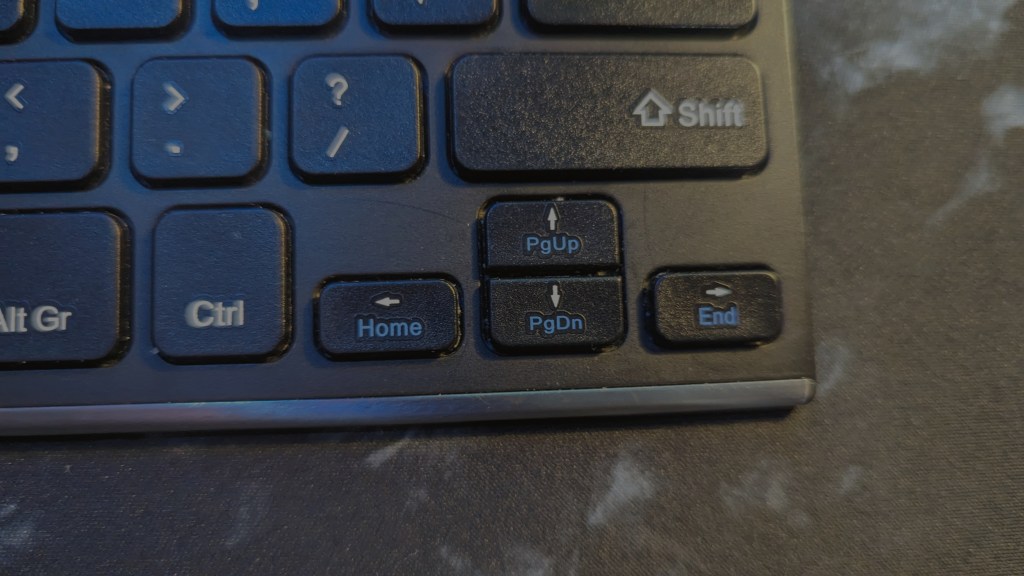
The keyboard is a 75% keyboard with 78 keys including space for slightly cramped direction keys. The buttons use an X structure to support the cap with equal pressure, which does feel like you’re using a laptop keyboard. The sound from the keyboard is light and quiet due to it being a membrane so you can type late at night without waking up the people around you.
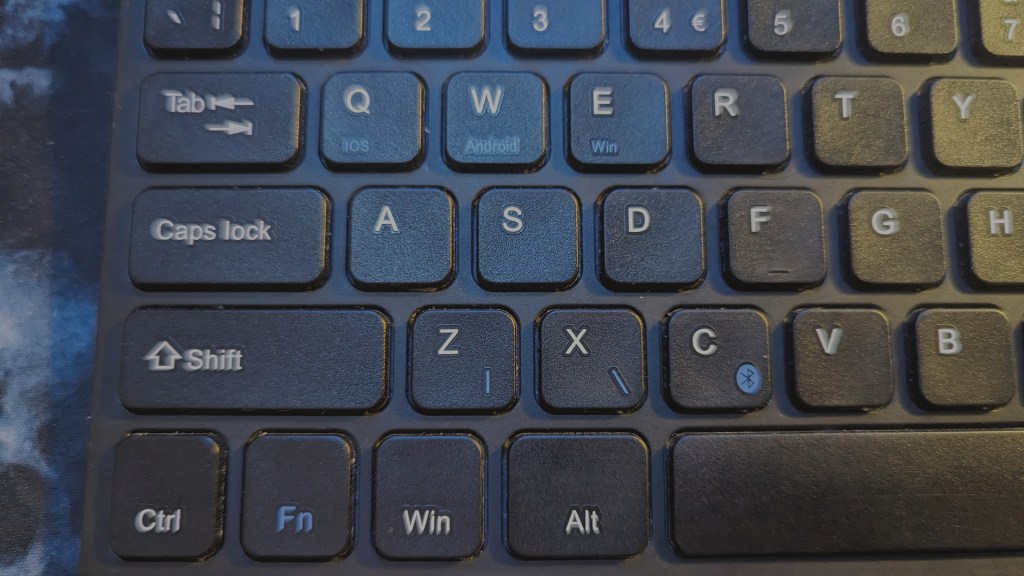
It connects to your devices via Bluetooth Low Energy which is one of the ways that the battery can last up to 6 months without needing to charge. It’s designed to be used when you are on the go, which is why it has buttons to choose between Windows, Android and IOS. Sometimes the Bluetooth can stutter and your one button press can be sent to the device you using multiple times which can be a pain. This was something that happened when Bluetooth LE was first released and as you can’t update the firmware on the keyboard, it’s something that you learn to live with.
I would recommend this keyboard if you need something light and easy to use and you don’t want to spend more than £20 to £30 on a keyboard. However, if you’re looking for something more that will live on your desk, then I recommend that you check out my review of the Redragon K632 here. If you like the look of this keyboard to go along with your tablet, then I would advise you to consider this. If you agree and decide to buy this keyboard then please use my Here is my Affiliate Link – https://amzn.to/47dZyF2
My Setup
Dual Dell Monitors – https://amzn.to/483yRmS
M4 Pro MacBook Pro 14″- https://amzn.eu/d/1hONRrV
Redragon K621 Horus – https://amzn.to/45CXFAy
Ergonomic Wrist Rest – https://amzn.to/3P74H9P
Google Wifi – https://amzn.to/3LdnVJE
Lenovo ThinkPad USB 3.0 Pro Dock (Refurbished) – https://amzn.eu/d/36fxbr2
WORLDLIFT Quad Monitors Desk Mount – https://amzn.to/44DkfrK
Yottamaster 5 Bay Hard Drive Enclosure – https://amzn.to/480doLM
AUGOLA Laptop Stand – https://amzn.to/3RdiE8P
Redragon M693 RGB Wireless Mouse – https://amzn.to/45FfyPh
If you would like to donate directly to me, then do so at the following PayPal link – PayPal
If you would like to send me items to take a look at, then email us here
 Jamie Warren's Tech
Leave a comment