
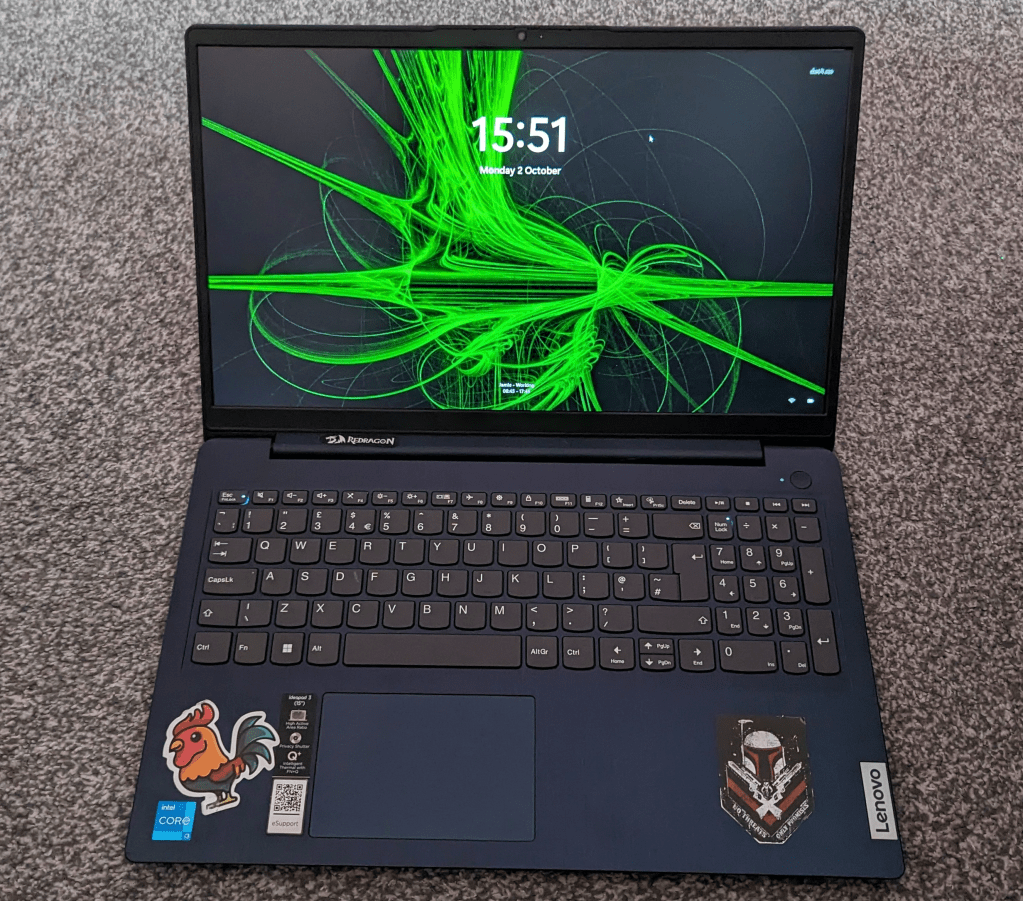
I bought this Laptop from Amazon in May 2022, as I needed a personal laptop for creating content. It was priced at £304.96. At the time I was planning on recording, streaming and editing gameplay. I wasn’t planning on doing anything major, as it would be mainly recording my gameplay and doing some writing.
The original specifications are;
- Intel i3-1115g4
- 4Gb DDR4 3200MHz Ram (upto 4.1 GHz)
- Windows 10s
- 15.6″ FHD+ display (1920 x 1080 pixels)
- SD Card Reader
- 128GB SSD
- 1x USB-A 3.2 Gen 1
- 1x USB-C 3.2 Gen 1
- 1x USB-A 2.0
- 1x HDMI
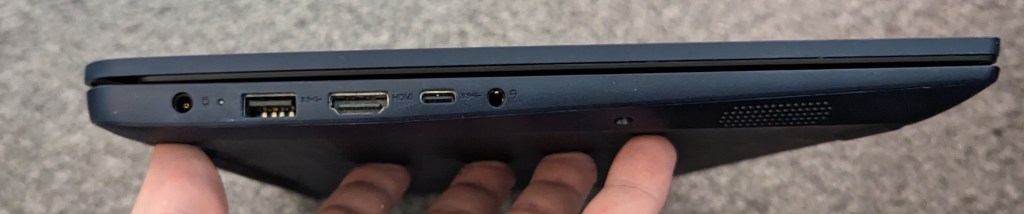
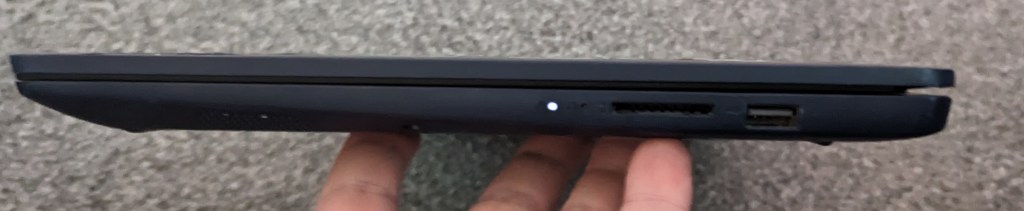
Over the 18 months since I bought the laptop, I have made a few upgrades to improve my experience. I first upgraded the Operating System from Windows 10s to Windows 10 Pro which led to Windows 11 Pro, then I added a 250GB SSD to increase my storage to allow for games and any videos that I need to be on the device for editing. I then added 8GB and then a 16GB RAM stick to make 20 GB of DDR4 RAM. I don’t see any benefit to having the 20GBs of RAM, but it was something that I wanted to do. If I upgrade to a new laptop, then the RAM can move to the new laptop if I need it to.
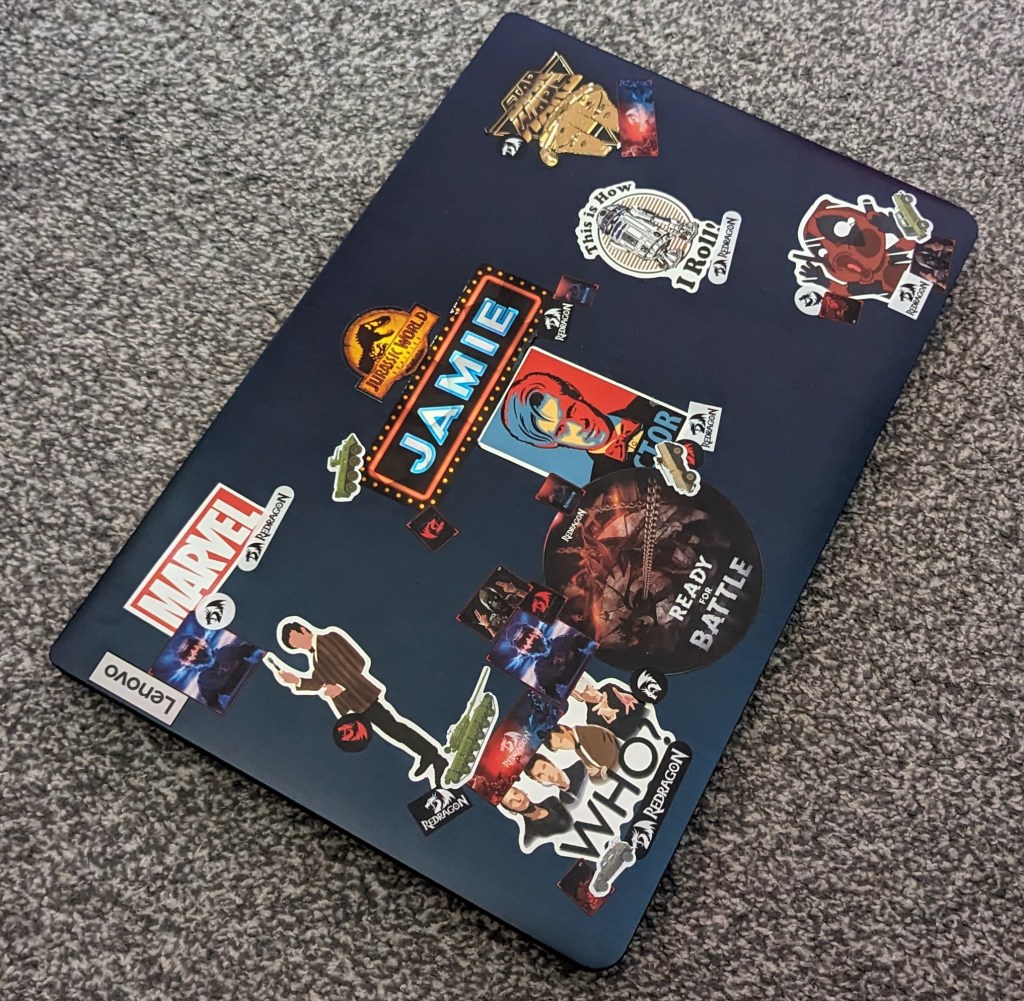
The laptop itself is light to hold when you’re moving around but the frame itself is plastic with some keyboard flex when you press down on it. I use this on a laptop riser as it sits on my desk plugged into 2 Dell P2219H Monitors, a Redragon 70% keyboard and a mouse. I do take the laptop out every so often to work at a coffee shop and I can get the battery to last about 1.5 to 2 hours at a push on normal settings.
As noted in the Dell DOCK SUPERSPEED USB 3.0 DOCKING (Renewed) I’m unable to use USB C for anything other than data, this is because the laptop doesn’t support Thunderbolt or even any video data standards on the USB C port. This means that I have to rely on the USB-A port on the laptop for outputting audio, video and anything else that I need to use when at my computer.
The laptop itself can handle light video editing, however, I haven’t tried any editing that would come close to testing the CPU and RAM that’s in the laptop. I have been able to play Star Wars: The Old Republic, and Elder Scrolls Online on low settings. I Paired this with a USB-C Capture Card and using OBS it can record and Stream footage to the site of your choice with no frame drops or buffering and that was with the Frame Rate set at 30fps (the default frame rate for witch games).
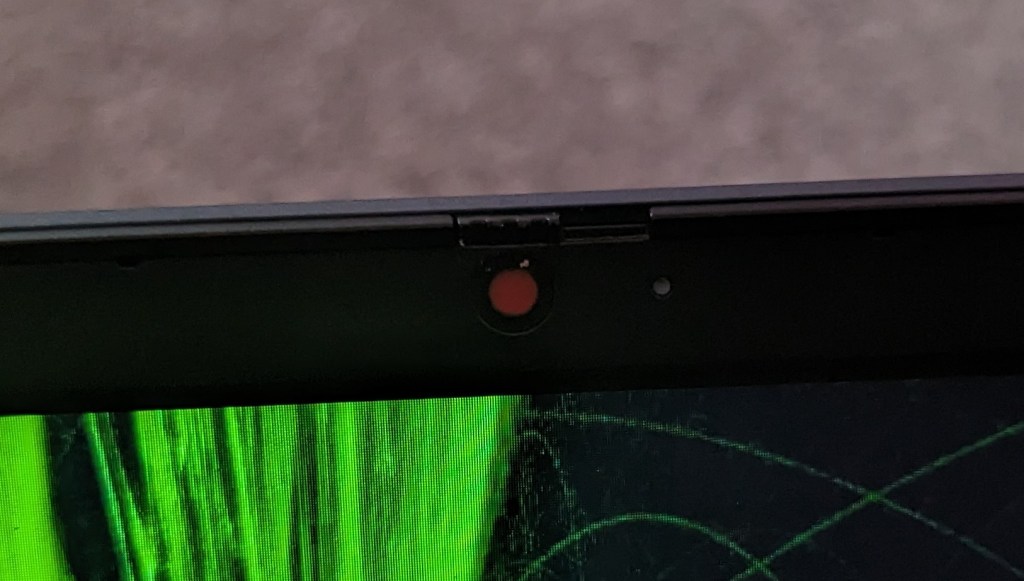
The webcam on this laptop is HD 720p, with a hardware cover that allows you to stop anyone from accessing the camera of your laptop and recording you without your permission.
In the box was the Laptop and a barrel charger, as I wrote in My portable USB C Laptop charger post, when I’m not in the house I use the portable charger. When I’m in the house, I change from the default charger (which broke) to a 2 part charger that you would expect to see come with a laptop. You also get some paperwork, but who reads that anyway? It comes with a 1 year warranty, that starts when you register your laptop on the Lenovo Vantage Software.
One Key piece of software on the laptop is the Lenovo Vantage app, which is the one-stop shop for most things you will need to keep track of the warranty for your laptop, you can also extend the warranty for a price. You can also change laptop settings from here and control the charging process to either limit the battery to 55-60% or if you are out and about and have stopped off in a coffee shop with a power outlet you can enable rapid charge to refill before you move on.
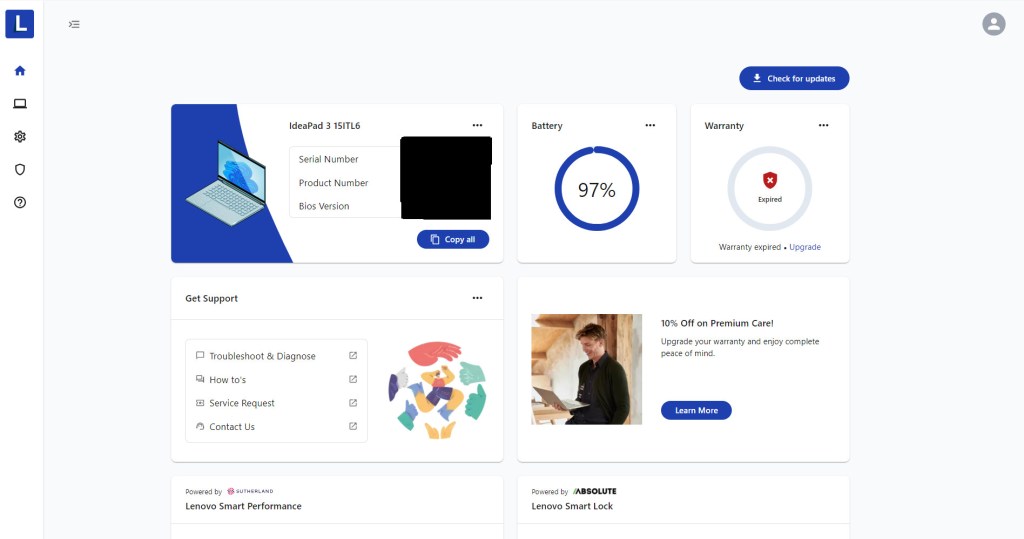
Depending on my situation, I usually swap between limiting the battery and rapid charge. My favourite feature is auto turn-on when you open up the laptop, along with enabling sleep when closing the lid means that you never have to touch the power button as it’s on by the time you sit down.
The downsides to this laptop are the Intel I3 CPU as it is limited in its capabilities and an I5 or I7 would have better for my use case. Another Downside is the lack of Thunderbolt as it would compliment my setup perfectly and allow for fewer wires. The final downside is that Lenovo are still using a barrel jack on a laptop that has a USB C port, when they may have been able to save 25p on one less port. I’ll be honest choosing a laptop with an I3 CPU was my decision and it will be a decision that I won’t be making again when it’s time to upgrade.
Even thought the laptop was the wrong choice for myself, and i had to find creative ways to make the laptop work for me. I would still recommend this for people who need a budget laptop, aren’t too bothered about playing brand new AAA Games but want to use this for work, education or browsing the internet. If you decide that is a good choice for you then you can find it using my Affiliates Link here.
My Setup
Dual Dell Monitors – https://amzn.to/483yRmS
M4 Pro MacBook Pro 14″- https://amzn.eu/d/1hONRrV
Redragon K621 Horus – https://amzn.to/45CXFAy
Ergonomic Wrist Rest – https://amzn.to/3P74H9P
Google Wifi – https://amzn.to/3LdnVJE
Lenovo ThinkPad USB 3.0 Pro Dock (Refurbished) – https://amzn.eu/d/36fxbr2
WORLDLIFT Quad Monitors Desk Mount – https://amzn.to/44DkfrK
Yottamaster 5 Bay Hard Drive Enclosure – https://amzn.to/480doLM
AUGOLA Laptop Stand – https://amzn.to/3RdiE8P
Redragon M693 RGB Wireless Mouse – https://amzn.to/45FfyPh
If you would like to donate directly to me, then do so at the following PayPal link – PayPal
If you would like to send me items to take a look at, then email us here

 Jamie Warren's Tech
Leave a comment